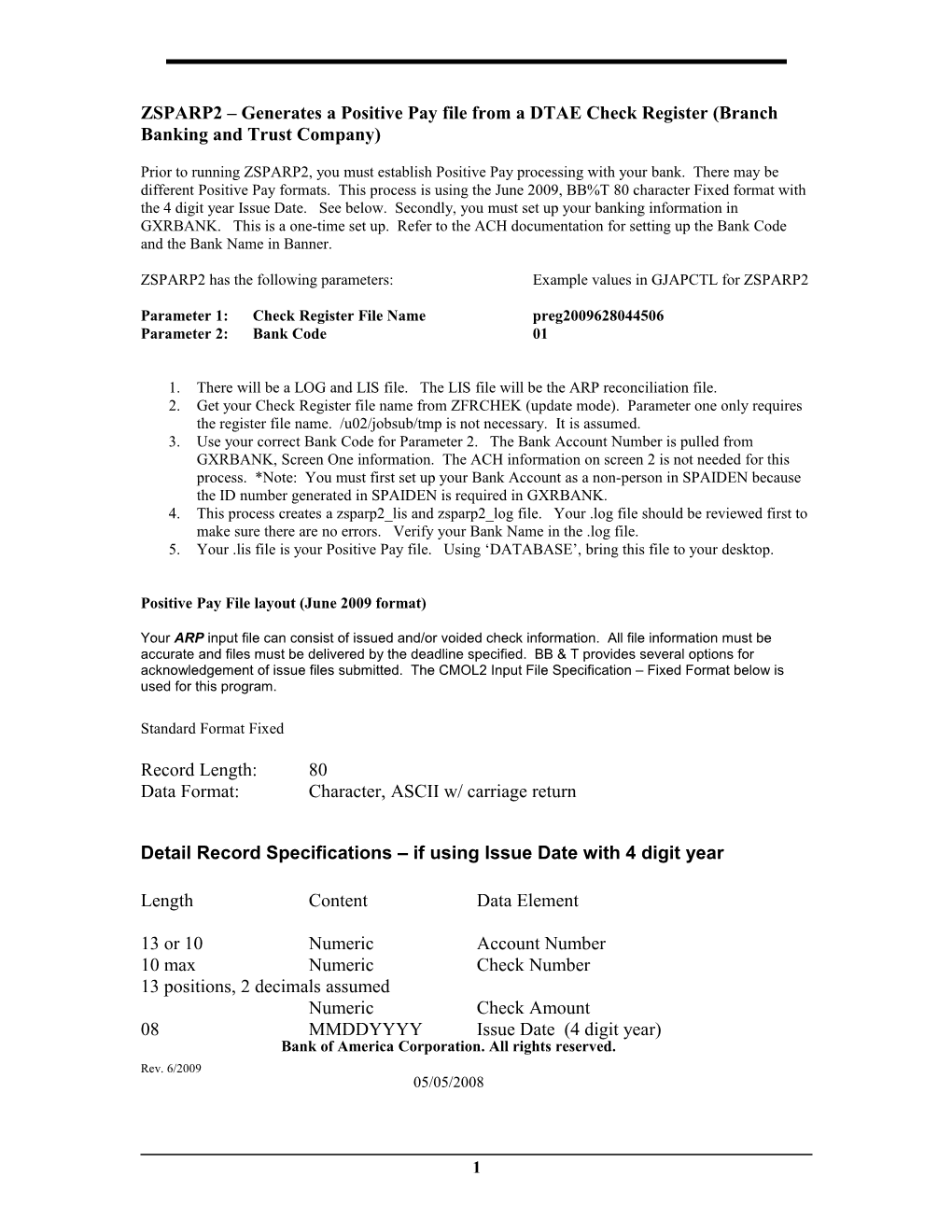
ZSPARP2 – Generates a Positive Pay file from a DTAE Check Register (Branch Banking and Trust Company)
Prior to running ZSPARP2, you must establish Positive Pay processing with your bank. There may be different Positive Pay formats. This process is using the June 2009, BB%T 80 character Fixed format with the 4 digit year Issue Date. See below. Secondly, you must set up your banking information in GXRBANK. This is a one-time set up. Refer to the ACH documentation for setting up the Bank Code and the Bank Name in Banner.
ZSPARP2 has the following parameters: Example values in GJAPCTL for ZSPARP2
Parameter 1: Check Register File Name preg2009628044506
Parameter 2: Bank Code 01
1. There will be a LOG and LIS file. The LIS file will be the ARP reconciliation file.
2. Get your Check Register file name from ZFRCHEK (update mode). Parameter one only requires the register file name. /u02/jobsub/tmp is not necessary. It is assumed.
3. Use your correct Bank Code for Parameter 2. The Bank Account Number is pulled from GXRBANK, Screen One information. The ACH information on screen 2 is not needed for this process. *Note: You must first set up your Bank Account as a non-person in SPAIDEN because the ID number generated in SPAIDEN is required in GXRBANK.
4. This process creates a zsparp2_lis and zsparp2_log file. Your .log file should be reviewed first to make sure there are no errors. Verify your Bank Name in the .log file.
5. Your .lis file is your Positive Pay file. Using ‘DATABASE’, bring this file to your desktop.
Positive Pay File layout (June 2009 format)
Your ARP input file can consist of issued and/or voided check information. All file information must be accurate and files must be delivered by the deadline specified. BB & T provides several options for acknowledgement of issue files submitted. The CMOL2 Input File Specification – Fixed Format below is used for this program.
Standard Format Fixed
Record Length: 80
Data Format: Character, ASCII w/ carriage return
Detail Record Specifications – if using Issue Date with 4 digit year
Length Content Data Element
13 or 10 Numeric Account Number
10 max Numeric Check Number
13 positions, 2 decimals assumed
Numeric Check Amount
08 MMDDYYYY Issue Date (4 digit year)
Rev. 6/2009
For Technical Support Staff
Files for upload
/u02/app/Dtae/Menu/Mods/zsparp2_para.sql
/u02/app/Dtae/Menu/Mods/cob/ZSPARP2.pco
/u02/app/Dtae/Menu/Mods/shells/zsparp2.shl
/u02/app/sct/ban80/links/zsparp2.shl
/u02/app/sct/ban80/general/exe/ZSPARP2
Upgrade instructions
Run script /u02/app/Dtae/Menu/Mods/zsparp2_para.sql as sql user SATURN.
If Class Updating - Each user must have maintenance access to the object ZSPARP2. Give
BAN_DEFAULT_M on ZSPARP2 to BAN_ARBASIC_C.
If USER ID Updating - Each user must have maintenance access to the object ZSPARP2. Give
BAN_DEFAULT_M on ZSPARP2 to the Banner user needing access to this report.
2