Merchant hosted Solutions
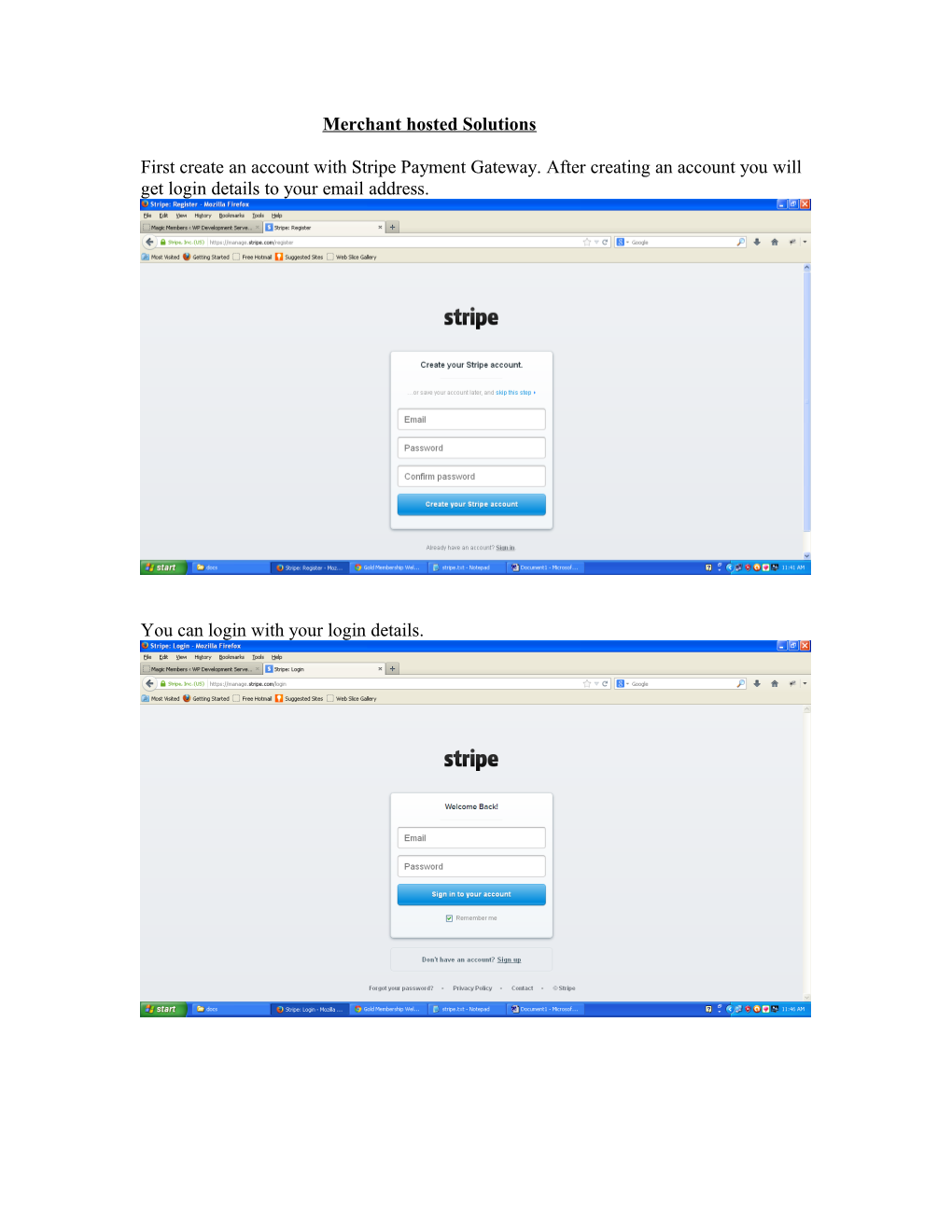
First create an account with Stripe Payment Gateway. After creating an account you will get login details to your email address.
You can login with your login details.
After login you will get stripe dashboard.
Create a new plan. Please access to:
Subscriptions à Plans
You will get API Keys and Webhooks URL. Please access to Your Account(right side corner)àAccount Settings àAPI Keys / Webhooks.
http://example.com/payments?module=mgm_stripe&method=payment_notify
Activate Magic Members Stripe Payments plugin.
Enable Stripe module. To enable Stripe module please access to:
Magic Members à Payment Settings àPayment Module.
Plaese access to :
Magic Members à Payment Settings à Stripe.
Enter Stripe API Secret Key, Stripe API Publishable Key and Custom Thankyou URL (http://example.com/transactions/?module=mgm_stripe&method=payment_processed)
You have to activate the stripe payment gateways that you want to use with
Subscription pack. Please access to:
Magic Members à Members à Subscription Options à Subscription Packages
Please enable Stripe and enter Plan ID (Plan ID will be same as you have created a plan in your stripe account).
You can also set the Login and Logout redirection links for the membership level you created.