ACCESS TO CASE RECORDS OF THE MINNESOTA JUDICIAL BRANCH ►►►►►►►►►►►►►►►►GOVERNMENT ACCESS
| MNCIS Odyssey Assistant (OA) |
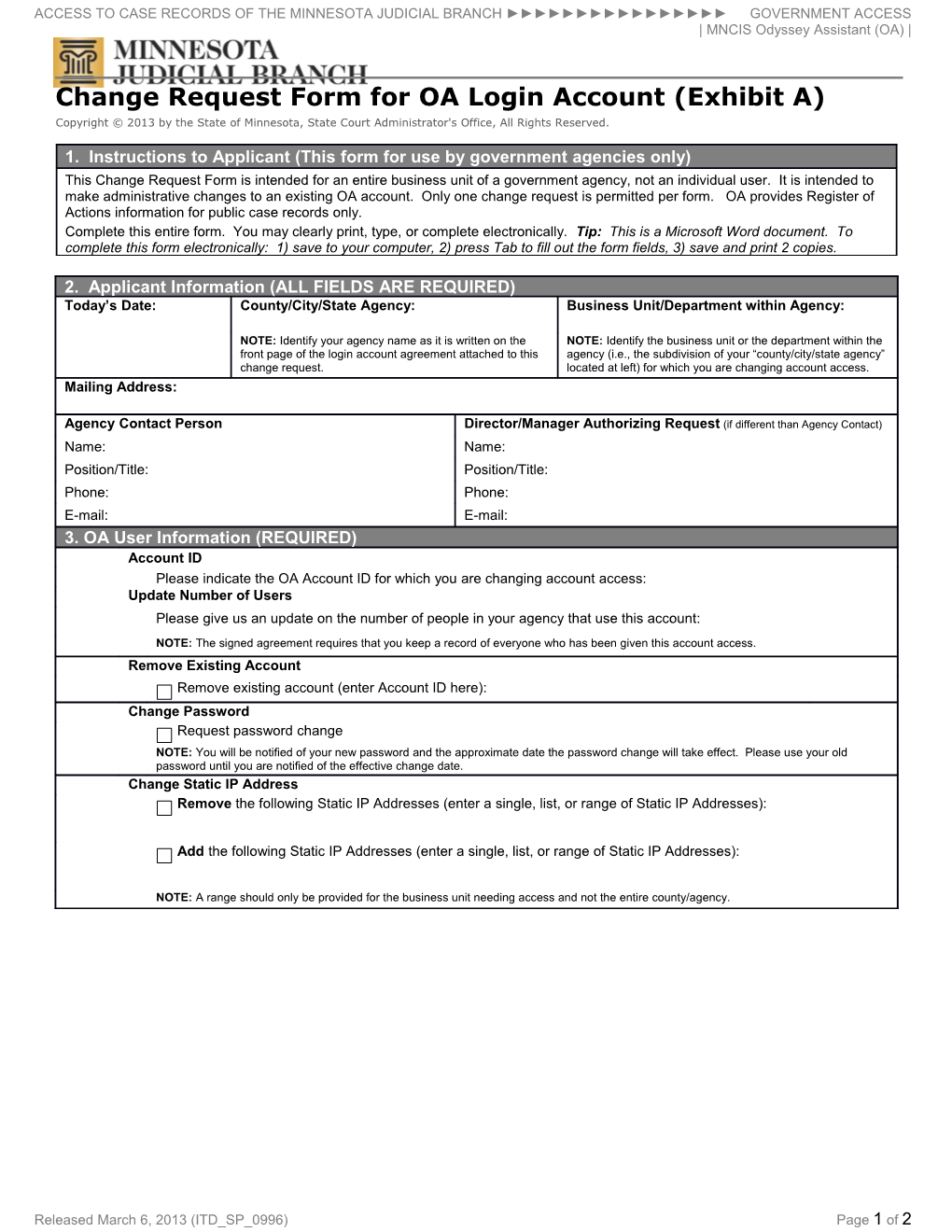
Change Request Form for OA Login Account (Exhibit A)
Copyright © 2013 by the State of Minnesota, State Court Administrator's Office, All Rights Reserved.
1. Instructions to Applicant (This form for use by government agencies only)This Change Request Form is intended for an entire business unit of a government agency, not an individual user. It is intended to make administrative changes to an existing OA account. Only one change request is permitted per form. OA provides Register of Actions information for public case records only.
Complete this entire form. You may clearly print, type, or complete electronically. Tip: This is a Microsoft Word document. To complete this form electronically: 1) save to your computer, 2) press Tab to fill out the form fields, 3) save and print 2 copies.
2. Applicant Information (ALL FIELDS ARE REQUIRED)
Today’s Date: / County/City/State Agency: / Business Unit/Department within Agency:
NOTE: Identify your agency name as it is written on the
front page of the login accountagreement attached to this change request. / NOTE: Identify the business unit or the department within the agency (i.e., the subdivision of your “county/city/state agency” located at left) for which you are changing account access.
Mailing Address:
Agency Contact Person / Director/Manager Authorizing Request(if different than Agency Contact)
Name: / Name:
Position/Title: / Position/Title:
Phone: / Phone:
E-mail: / E-mail:
3. OA User Information (REQUIRED)
Account ID
Please indicate the OA Account ID for which you are changing account access:
Update Number of Users
Please give us an update on the number of people in your agency that use this account:
NOTE: The signed agreement requires that you keep a record of everyone who has been given this account access.
Remove Existing Account
Remove existing account (enter Account ID here):
Change Password
Request password change
NOTE: You will be notified of your new password and the approximate date the password change will take effect. Please use your old password until you are notified of the effective change date.
Change Static IP Address
Remove the following Static IP Addresses (enter a single, list, or range of Static IP Addresses):
Add the following Static IP Addresses (enter a single, list, or range of Static IP Addresses):
NOTE: A range should only be provided for the business unit needing access and not the entire county/agency.
5. Signatures
This Change Request Form is submitted in connection with and made part of the most recent login account agreement executed by the Applicant and the State, by reference. Make two copies of this completed Change Request Form and include an authorized handwritten signature on both copies under the Applicant signature block below.
APPLICANT / THE STATE
By: / By:
(signature) / (signature)
Date: / Date:
Name: / Name:
(typed) / (typed)
Title: / Title:
Office: / Office:
6. Submission
To submit this Change Request Form, attach a copy of your agency’s existing login account agreement. See Policies & Notices §5.3 for more details.
Mail two signed copies of this Change Request Form and your agreement to your State Access Representative. See Policies & Notices §5.5 for information on State Access Representatives.
Released March 6, 2013 (ITD_SP_0996)Page 1 of 2